|
モデル |
DGTL-5040 |
DGTL-6050 |
DGTL-8060 |
DGTL-1080 |
|
再現性 |
<3μm |
|||
|
機械の耐荷重 |
50kg |
|||
|
操作方法 |
全自動 |
|||
|
重さ |
950kg |
1150kg |
1250kg |
1450kg |
|
測定分解能 |
0.1μm |
|||
|
X/Y/Z軸測定精度 |
( 2+L/200)μm |
|||
|
送電システム |
完全閉ループCNC制御 |
|||
|
照明システム |
プログラム可能な調光式リングLED |
|||
|
寸法(長さ、幅、高さ)mm |
1200×1000×1480 |
1800×1200×1580 |
1600×1300×1780 |
1900×1450×1780 |
|
( X/Y/Z)測定ストローク mm |
500×400×200 |
600×500×200 |
800×600×200 |
1000×800×200 |
|
送電システム |
パナソニックのサーボモーターとアンプ |
|||
|
精密プローブ(オプション) |
高精度接触プローブ |
|||
|
レンズ |
オートズームレンズ |
|||
|
倍率 |
光学倍率:0.75倍~4.5倍 画像倍率:22倍~145倍(20倍~500倍、20倍~1000倍はオプション) |
|||
|
イメージングシステム |
2メガピクセル高解像度デジタル産業用計測カメラ |
|||
|
使用環境 |
温度18~22℃、湿度30~80%、振動15Hz以下、0.001g未満 |
|||
デカルト座標/極座標変換
絶対座標/相対座標/作業座標の変換。
メートル法/ヤード・ポンド法の単位変換。
度/度分秒(DMS)変換。
ポイント/ポイントグループ。
2点または複数点からの線分構築。
3点または複数点からの円と弧の作図。
BspLine。
点-点、点-線、中心-中心、円-線。
2本の線間の平均距離。
2本の直線間の内角と交点。
アプリケーション
自動車および部品製造業界
車体構造部品、精密部品、新エネルギー車分野。
航空宇宙製造業
胴体および翼部品、精密航空宇宙部品、航空宇宙機器部品。
新エネルギーおよび電子機器製造業
太陽光発電分野、電子ディスプレイ産業、エネルギー貯蔵機器。
精密ハードウェア産業
大型ハードウェアのプレス加工部品および精密鋳造部品の輪郭寸法と穴位置精度。
ハイライト
1
照明システムは完全にコンピュータプログラム制御です。上部照明には4相ランプを採用し、下部照明には直接光源を使用することで、機械の適応性を高めています。また、照度表示機能も搭載しており、ユーザーをガイドし、人為的な誤差を低減します。ワークピースの測定には手動による調整や位置合わせは不要で、ソフトウェアが座標の移動、回転、位置合わせ機能を提供します。
2
注釈機能を使用すると、画像表示領域と幾何学的操作領域の両方で、寸法を直接マークしたり移動したりできます。
3
幾何学的操作領域内の点、線、円/円弧、端点、線の中点、円の中心、象限点などの主要な幾何学的要素を自動的にキャプチャします。
4
適応性を向上させるための調整可能なCCDパラメータ設定。エッジバリ取り機能により、測定データの正確な取得が保証されます。
5
測定領域におけるワークピースの拡大画像をグラフィカルに出力し、一般的な画像フォーマット(.bmp、.jpg)に変換できます。測定データは、Word(.doc)やExcel(.xls)などの編集可能なドキュメント形式でエクスポートできます。
6
直感的な学習インターフェースを備えた、ユーザーフレンドリーなティーチイン型プログラミングソフトウェア。プログラムの保存と繰り返し実行が可能で、一貫した測定を実現します。
7
統合されたSPC(統計的プロセス管理)機能により、管理図を直接生成し、Excelにエクスポートできます。機械図面は.dxf形式で直接出力できるため、AutoCADやPro/ENGINEERなどの他のソフトウェアとのシームレスな統合が可能です。
8
このソフトウェアは.DXFファイルの直接インポートに対応しており、測定領域において拡大されたリアルタイムのワークピース画像と標準設計図面を視覚的に比較することで、正確な寸法検証が可能になります。
9
平面内の真直度、真円度、角度の分析を行い、効果的な品質検査を実現します。測定精度を高めるための機械精度補正機能を搭載しています。
10
全自動画像計測機のソフトウェアには学習機能が搭載されています。ユーザーはワークピースを一度手動で測定するだけで、測定プロセス全体が記録され、次回以降は自動的に測定できます。プログラミングは不要なので、操作は簡単かつ効率的です。
11
再測定機能:この機能を使用すると、既に測定済みの要素について、測定方法、照明条件、倍率などを再定義できます。調整後、測定データは更新され、関連するすべての要素のデータが同時に更新されます(例えば、距離の計算に使用される2本の線のうち1本を再測定した場合、距離の値が自動的に再計算され、更新されます)。
12
編集とエッジ検出ステータスの確認:このソフトウェアを使用すると、測定対象物のエッジ検出範囲、光源強度、倍率、その他のパラメータを変更および編集できます。また、以前に測定した対象物のエッジ検出ステータス(エッジ検出位置、適用光強度、倍率、元のサンプリングポイントなど)を確認できるため、測定プロセス全体を完全に可視化し、制御できます。
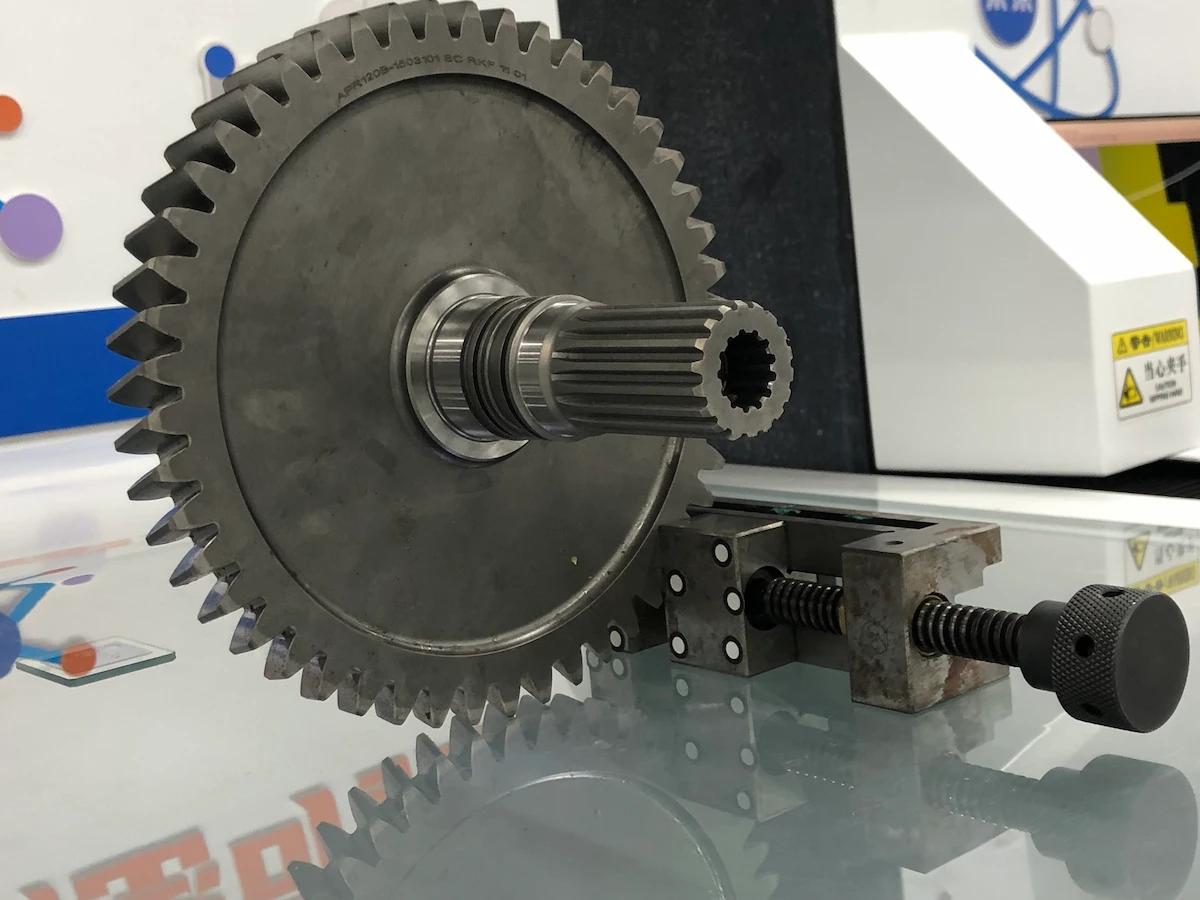
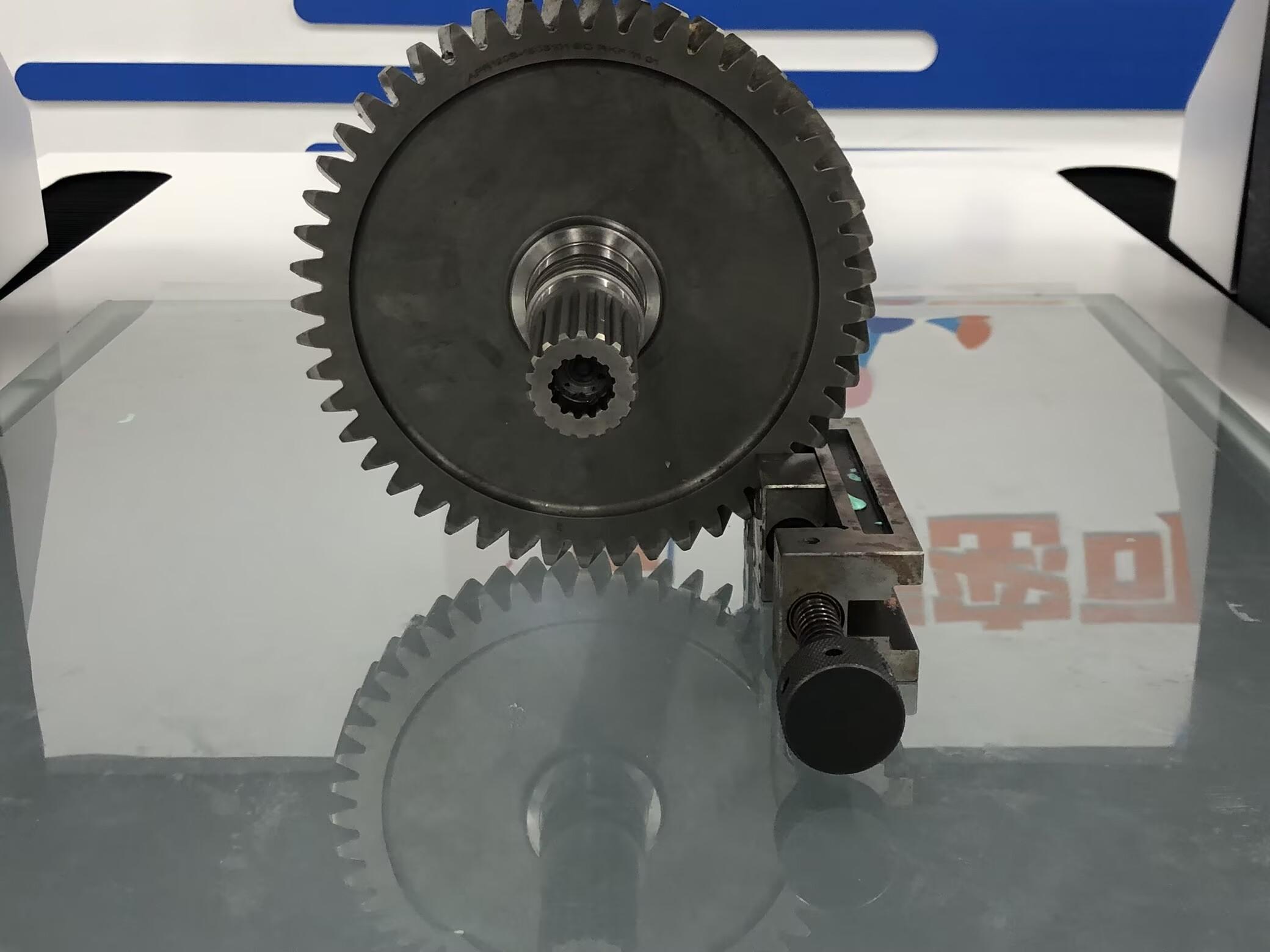
この製品について質問がありますか?
お問い合わせください